Smart-home gardening · 13 min read
How to connect a plant sensor through Home Assistant - a step-by-step setup
A plant sensor only helps once its reading reaches a decision. The full setup, step by step: getting the probe into Home Assistant, giving it an address our servers can reach, a token with the least access, and binding each device to a plant or a room.
Botanical Legacy · Field notes ·
A sensor in a pot is a measurement. A sensor connected to a model is a decision someone no longer has to make.
The reading has to travel
Most plant sensor setups stall in the same place. The probe works, the number appears on a screen, and nothing changes about how the plant is cared for. The number never reached anything that knew what to do with it.
When you connect a sensor to Botanical Legacy, the reading makes a short journey, and every step of this guide exists to keep that journey intact:
- The probe reports to Home Assistant. Home Assistant is the free, open-source smart-home platform most plant probes already work with. It turns each measurement into an entity: a value with a type (temperature, humidity, moisture, light, conductivity) and a unit.
- Our servers ask your Home Assistant for those entities. Every ten minutes, over the internet, using an access token you create. Home Assistant never has to send us anything, which is why it needs an address we can reach.
- The reading lands in your Specimen's Digital Shadow. The Digital Shadow is the running model of each plant: how wet its compost is, how fast it dries, when it will need water. A fresh soil reading replaces the model's estimate, and the forecast carries on from the measured value.
Break any link and the sensor is back to being a number on a screen. A probe whose entity has no type is invisible. A Home Assistant that only answers inside your home is unreachable. A reading bound to the wrong plant corrects the wrong forecast.
Where the probe sits matters as much as how it connects. Judge compost below the surface, not on it: the RHS advises feeling for moisture about a third of the way down the pot. Push a probe to that depth, not just under the surface. And the speed at which that moisture disappears is not fixed. The University of Maryland Extension names potting media, humidity and temperature as the factors that change how often a plant needs water, which is why a room sensor is worth having even where a soil probe is not.
What to do
Get the sensor into Home Assistant first. Botanical Legacy only sees what Home Assistant sees, so start there and confirm the readings appear on a Home Assistant dashboard. The Xiaomi Mi Flora (sold as "Flower Care") connects through Home Assistant's Xiaomi BLE integration, which needs Bluetooth working on your Home Assistant. Home Assistant's documentation lists firmware 3.2.1 as the minimum, updated through the Flower Care app. Bluetooth is short-range, so a plant in another room usually needs a Bluetooth proxy: a small ESP32 board running ESPHome that relays the signal over wifi. Zigbee soil probes join through your Zigbee integration. A home-built capacitive probe on an ESP32 reports through ESPHome. The moisture sensor guide compares the three kinds of probe if you have not bought one yet.
Check that every entity has a type and a unit. Botanical Legacy accepts five Home Assistant device classes: temperature, humidity, moisture (soil), illuminance and conductivity. An entity with no device class is skipped, with one exception: an entity whose name contains "conductivity" is recognised without one, because some Mi Flora set-ups leave it unset. If an entity is missing its type, open it in Home Assistant, go to its settings, and pick the right class from the Shown as menu. Units matter too. Temperature can arrive in °C, °F or K and conductivity in µS/cm, mS/cm or S/cm: each is converted on arrival. A reading in a unit we do not recognise, or with no unit at all, is skipped rather than guessed.
Give Home Assistant an address the internet can reach. Our servers connect to your Home Assistant, so a local address such as 192.168.1.20 or homeassistant.local is refused at the connect step. Home Assistant's own documentation lists the ways to reach it from outside, and three of them work here:
- Home Assistant Cloud, which its docs call the easiest and safest option and which needs no open ports;
- a reverse proxy with a proper certificate;
- a tunnel such as Cloudflare Tunnel.
Port forwarding also works, but Home Assistant warns that just opening a port is not secure, so encrypt it and follow their securing checklist. A VPN such as Tailscale or ZeroTier does not work for this: it makes Home Assistant reachable from your own devices, not from our servers. Use an https:// address.
Create a separate Home Assistant user for Botanical Legacy. In Home Assistant, add a new person with a login, and leave "Administrator" off. Sign in as that user, open the profile page, go to the Security tab, and under Long-lived access tokens choose Create token. Copy the token straight away. Why bother with a separate user: a token carries the access of the user who made it. We tested this on Home Assistant 2026.9.4. A token from a non-administrator user could read every entity, could still operate devices, and was refused by an administrator-only endpoint. So a separate user keeps the token away from your Home Assistant configuration, but it does not make the token read-only. Treat it like a house key. Botanical Legacy only reads entity states, and keeps the token encrypted.
Connect it in your Sanctuary. Open Guardian → Sensors and find Connect Home Assistant. Paste your Home Assistant URL and the token, then press Connect. We check the token straight away by asking your Home Assistant for its entities, and you get one of four answers within a few seconds:
- the list of sensors we found;
- "Home Assistant rejected the token";
- a message that your address could not be reached in time;
- "no entities found", which means none had one of the five device classes above.
Sensors are part of the paid plans, so this button needs Cultivator or Conservancy, or the trial.
Assign each device to a plant or a room. Under Discovered devices, pick a target for each entity from Assign to, then Bind selected. The rules follow what each sensor measures:
- soil moisture, light and conductivity belong to one plant, because they describe one pot;
- humidity belongs to a room, because air is shared;
- temperature can go either way: a probe in the compost to a plant, a thermometer on the wall to a room.
A room reading counts for every plant in that room, so one hygrometer serves a whole shelf. As soon as you bind, we fetch a first reading, so you do not wait ten minutes to see it work.
Turn on the extras you want. Once a moisture sensor is bound to a plant, Guardian → Preferences offers Auto-log watering from sensor. With it on, a reading that jumps by 25 percentage points or more and lands at 50% or wetter is logged as a watering. It is skipped if a watering for that plant was already logged in the last six hours, so watering by hand and logging it never counts twice. Sensor-offline alerts have their own push and email switches under Guardian → Notifications.
Re-scan when you add hardware. New probe in Home Assistant? Open Guardian → Sensors and press Re-scan. It lists only the entities you have not bound yet, using the token you already saved. If you replace the token in Home Assistant, use Reconnect with the new one; your bindings stay.
Three ways this plays out
The Mi Flora in the Calathea
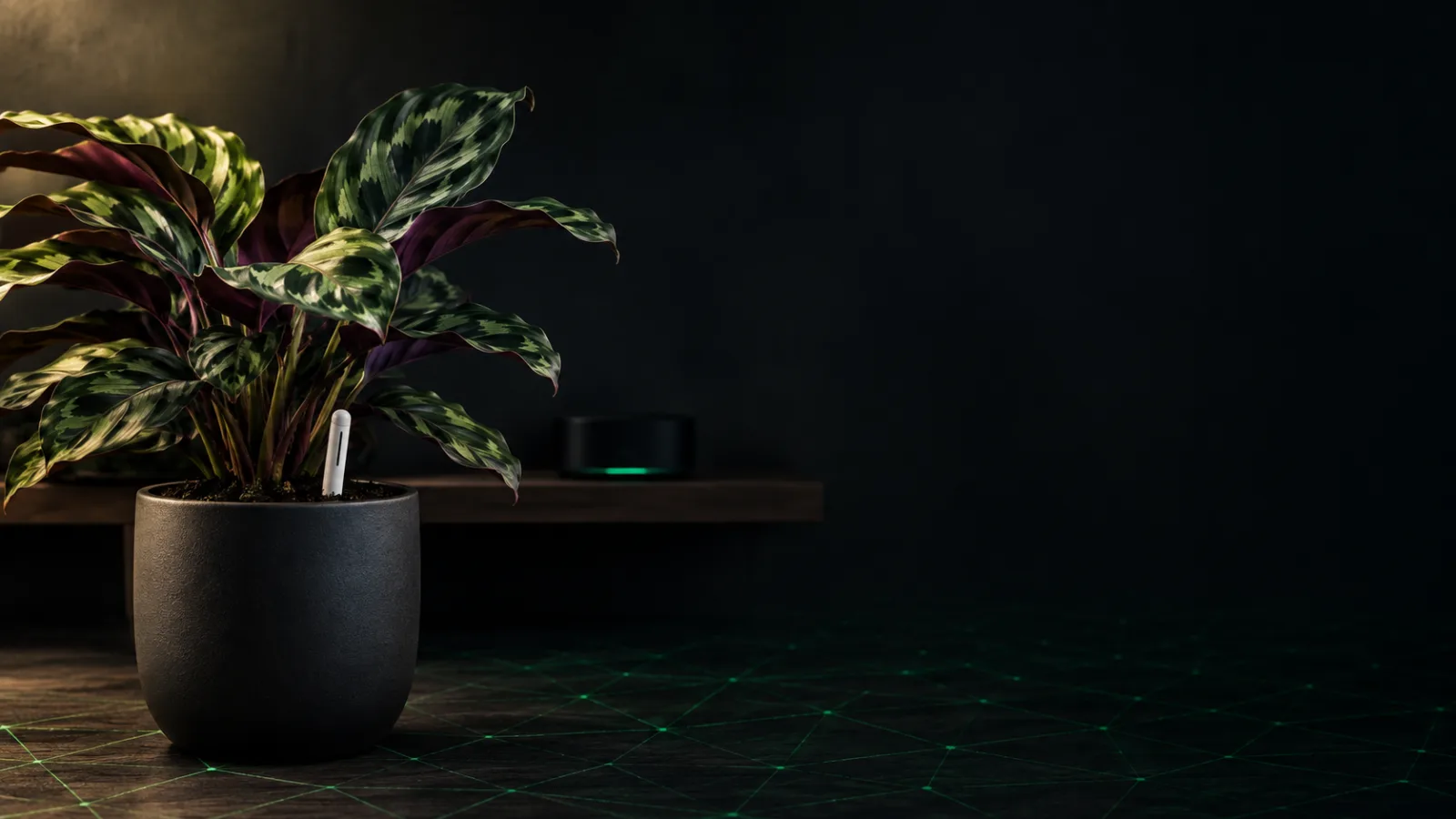
A calathea sits on a bookshelf two rooms away from the Home Assistant box. Its Mi Flora shows nothing until an ESP32 Bluetooth proxy goes in on the same shelf. Then four entities appear: moisture, temperature, illuminance and conductivity, all with their types set. All four are bound to the calathea. The first reading says 34% moisture; the model had estimated 41%. The Digital Shadow takes the 34 and carries the forecast on from there, so the next watering date moves a day earlier. Over the following weeks the conductivity reading climbs after every feed. That is the signal the Colorado State Extension describes: soil tests for soluble salts are based on electrical conductivity, and too much fertiliser raises it. The lesson: one well-placed probe gives the plant four readings, and the one most people ignore, conductivity, is the one that warns about over-feeding.
One hygrometer, twelve plants
A kitchen holds twelve plants and one Zigbee temperature-and-humidity sensor stuck to the wall. Both entities are bound to the room called Kitchen, not to any plant. Every plant in the kitchen now models its drying against the measured 24°C and 38% humidity, where before it had an estimate. Nothing was bought per pot. The lesson: a room sensor is the cheapest reading with the widest reach, because air is something every plant in the room shares.
The token that stopped working
A tidy-up in Home Assistant deletes the old "Botanical Legacy" user, and the token goes with it. On the next ten-minute check, Home Assistant refuses the token. We treat a refused token as permanent: the connection stops polling and waits for a new token rather than knocking on the door every ten minutes. Six hours after the last reading, the plant's sensor-offline alert arrives and asks for a reconnect, not a new battery. The fix takes a minute: a new token, Reconnect, and the bindings are still there. A Home Assistant that is merely down for an evening is treated differently: we keep trying, backing off to once an hour, and resume on our own when it answers. The lesson: the alert tells you which of the two happened, so you know whether to look at the token or at the box.
What Botanical Legacy does with the readings
Once connected, the integration runs without anything to look after:
- Polling. We ask your Home Assistant for its entities every ten minutes and update each sensor's "last seen" time.
- History. One reading per sensor per hour is stored for the charts and kept for 30 days.
- Soil moisture. The latest reading becomes the plant's present moisture, and the forecast carries on from it at the rate the compost has been drying. If the reading and the model disagree, the reading wins.
- Room readings. Each time a plant's model is recalculated (every night, and after you log care), it takes the room's latest temperature and humidity, as long as the reading is under four hours old. An older reading is ignored and the model falls back to an estimate from local weather or a standard indoor value, so a dead room sensor can never freeze the forecast.
- Watering alerts. When a soil reading drops from above 20% to 20% or below, a watering alert goes out straight away instead of waiting for the nightly run, if watering alerts are on.
- Conductivity. Readings are banded for nutrition and tracked as a trend, so a salt build-up raises an alert before it damages the roots.
- Offline alerts. If a plant's sensor stops reporting for six hours, you get an in-app and push alert. If it stays silent for 48 hours, one email lists every plant whose sensor is down. Both cover sensors bound to a plant; room sensors do not raise them.
Sensors belong to the Cultivator and Conservancy plans, and to the trial. If your plan ends, we stop checking your Home Assistant. Your bindings and past readings stay in your account, and checking resumes with the same bindings if you subscribe again. To stop for good, Disconnect HA on the Sensors page ends new readings and deletes the stored token from our side. Then delete the token in Home Assistant too.
What the model can't see
A probe measures one spot in one pot. If it sits against the pot wall, or only just under the surface, it reports compost the roots are not using. Placement is your job, and no software can correct a probe in the wrong place.
Ten minutes is the fastest we look, and the stored history is hourly. That is plenty for compost, which changes over hours and days, but it is not a real-time feed.
A Home Assistant that only answers inside your home cannot be connected today. That rules out a common, perfectly reasonable set-up, and we would rather say so than have you discover it at the connect step.
And a sensor never knows why a reading changed. A sudden rise could be you watering, rain on a balcony pot, or a probe pushed deeper into wetter compost. The auto-log rule makes a sensible guess for the first case. Only you know which it was.
Frequently asked questions
Does Botanical Legacy work with Home Assistant?
Yes. Home Assistant is how sensors connect to Botanical Legacy today. You paste your Home Assistant address and an access token under Guardian → Sensors, then bind each temperature, humidity, soil-moisture, light or conductivity entity to a plant or a room. Readings then feed each plant's Digital Shadow, checked every ten minutes. Sensors are part of the paid plans and the 14-day trial.
Why does Botanical Legacy need my Home Assistant to have a public address?
Because our servers ask your Home Assistant for its readings; Home Assistant does not send them out. A local address such as homeassistant.local or 192.168.x.x only works inside your home, so it is refused at the connect step. Home Assistant Cloud, a reverse proxy with a certificate, or a tunnel such as Cloudflare Tunnel all give it an address our servers can reach. A VPN like Tailscale does not, because our servers are not on it.
Why does it say no entities were found?
Every entity Botanical Legacy reads needs a Home Assistant device class: temperature, humidity, moisture, illuminance or conductivity. Sensors made by hand, through templates or some custom firmware, often have none. Open the entity in Home Assistant, choose the right class from the Shown as menu in its settings, then connect again or press Re-scan.
Which plant sensors work with Home Assistant?
Any sensor Home Assistant shows as an entity with one of those five device classes. Common choices are the Xiaomi Mi Flora through the Xiaomi BLE integration (with a Bluetooth proxy for range), Zigbee soil probes through your Zigbee integration, and home-built capacitive probes on an ESP32 running ESPHome. The sensor app guide covers what an app should do with the readings once they arrive.
Is it safe to give an app a Home Assistant access token?
A long-lived token carries the access of the Home Assistant user who created it. Create a separate user without administrator rights and make the token there. In our test, that token could read and operate devices but was refused by administrator-only functions, so it is limited, not read-only. Botanical Legacy only reads entity states and stores the token encrypted. Deleting the token in Home Assistant cuts access instantly.
What happens if my sensor or Home Assistant goes offline?
The Digital Shadow falls back to its model, working from the species, the weather and your care logs, exactly as it does for plants without a sensor. If a plant's sensor has been silent for six hours you get an in-app and push alert, and one email after 48 hours. If Home Assistant is unreachable we keep retrying, backing off to once an hour. If it refused the token, the alert asks you to reconnect.
Do I need a sensor in every pot?
No. One temperature-and-humidity sensor bound to a room improves the forecast for every plant in that room. Soil probes earn their place in pots where a wrong guess costs the most: a fussy species, a recovering plant, a pot that dries unpredictably. When to water houseplants explains what the model is weighing when there is no probe at all.
Start your sanctuary
Botanical Legacy's free plan covers up to five Specimens, indoors or out, with continuous Digital Shadow modelling included. Every new account also gets a 14-day trial of the paid plan, which adds Home Assistant sensor support, local weather, and soil checks that teach each Specimen's drying rate - so the reading in the pot changes the forecast for the plant.
Start your sanctuary - five free specimens, no payment required →
A sensor in a pot is a measurement. Connected to the plant's model, it is one less decision to make by guesswork.
Sources
The plant-care facts on this page were checked against these references.
- RHS: rhs.org.uk/garden-jobs/watering
- RHS: rhs.org.uk/container-gardening/how-to-water-containers
- University of Maryland Extension: extension.umd.edu/resource/watering-indoor-plants
- Colorado State University Extension: extension.colostate.edu/resource/saline-soils
- University of Maryland Extension: extension.umd.edu/resource/fertilizer-toxicity-or-high-soluble-…